Make Stunning Screen Video Recordings
Get Replay Video Capture, and Record Any On-Screen Video in Super High Quality.
verified_user 30 Day Money-Back Guarantee
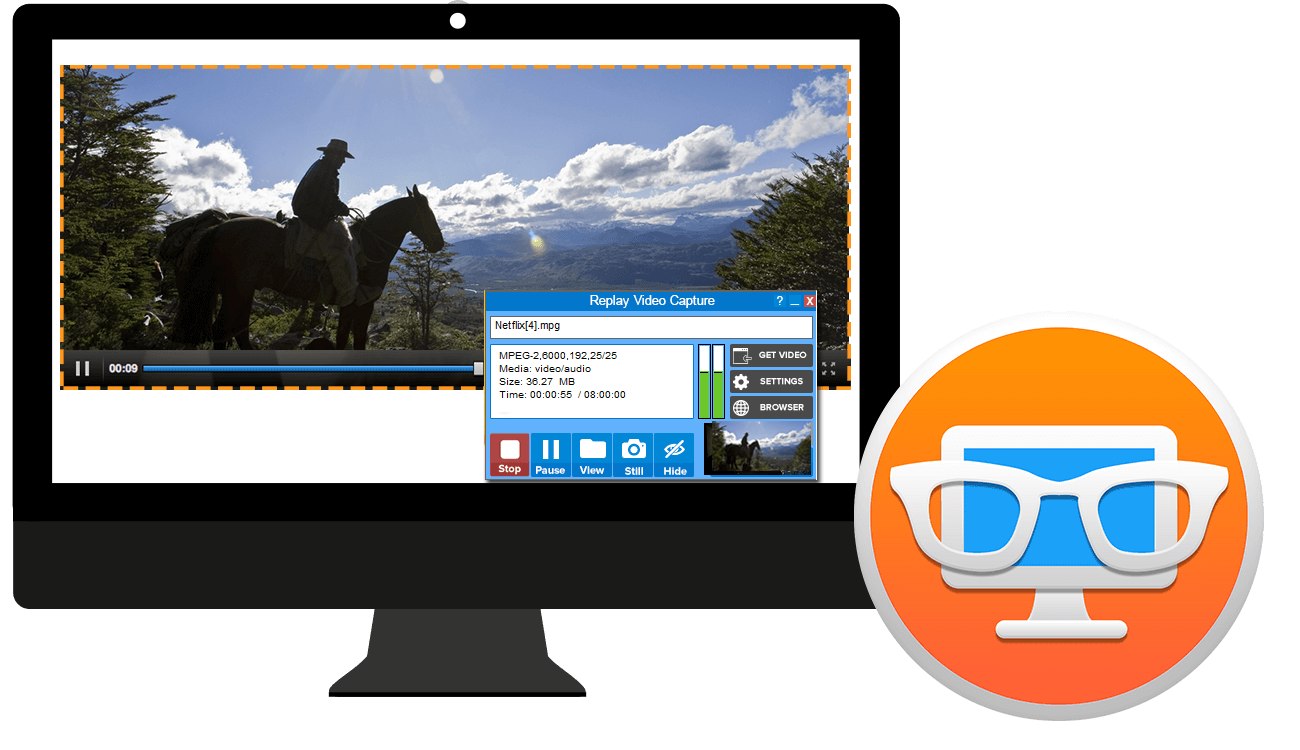
Advanced Technology for Perfect Video
Powerful tools built for high-performance content creators.
Crystal Clear 100 FPS
Designed for perfection – record up to 100 Frames Per Second. No other screen video recorder comes close to our fluid motion capture.

Background Mode
Hide recordings while they happen. Work on other tasks while capturing video perfectly in the background.


Game Recording
Capture high-quality gameplay and live streams with handy hotkeys and Zero-lag performance.
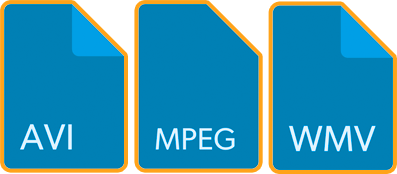
Universal Compatibility
Save to MP4, MPEG-2, WMV, and more. Play your recordings on any phone, tablet, or external device without conversion.

Dual Audio Control
Avoid echoes. Record system audio and microphone separately with seamless hotkey control.
Record in 4 Quick Steps
Open
Launch the Replay Video Capture application on your desktop.
Play
Start playing the video source you want to capture.
Get Video
The smart engine automatically detects the video region.
Record!
Hit record and save high-quality video instantly.
Download Your Free Trial
Test the power for free. Record up to 2 minutes of video per session.
Upgrade any time for unlimited recording.
Contact Us
Have a question? Use this form to send a message and our technical team will get back to you within 24 hours.